
Field Monitor for Camera Is Now on the App Store: Turn Your iPad Into a Camera Field Monitor
Connect a UVC capture card to a USB-C iPad and check focus and exposure with focus peaking, false color, scopes and LUTs.
Keep CodeInFaith in your Google feed
Add us as a preferred source to see more of our latest articles in Google Search.
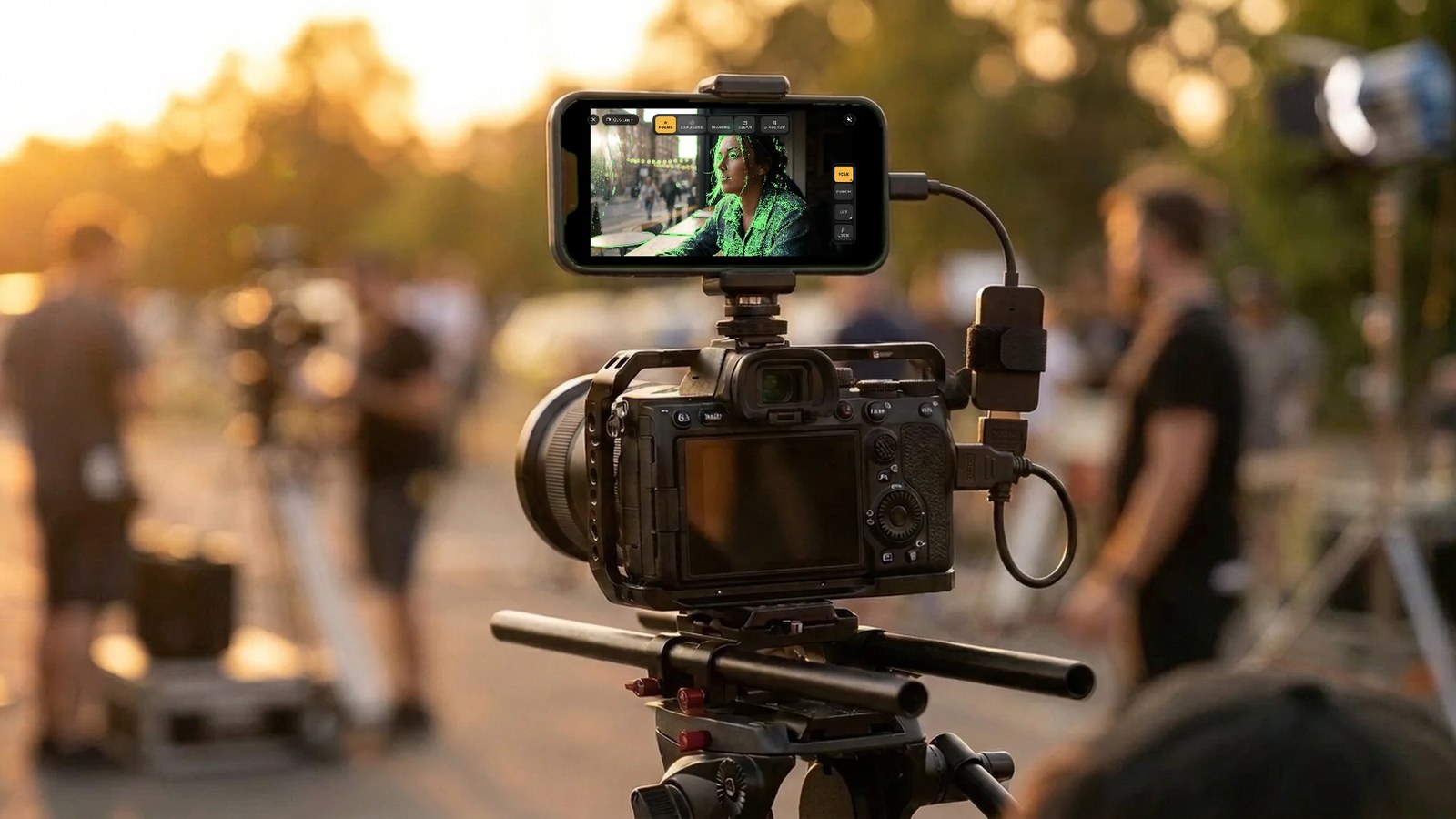
An iPad has a bigger, brighter screen than any flip screen on a camera. With the right cable in between, it can also be your field monitor.
Field Monitor for Camera came to Android last week. Today it’s available on the App Store, so you can check focus and exposure on a USB-C iPad.
How it works on iPad
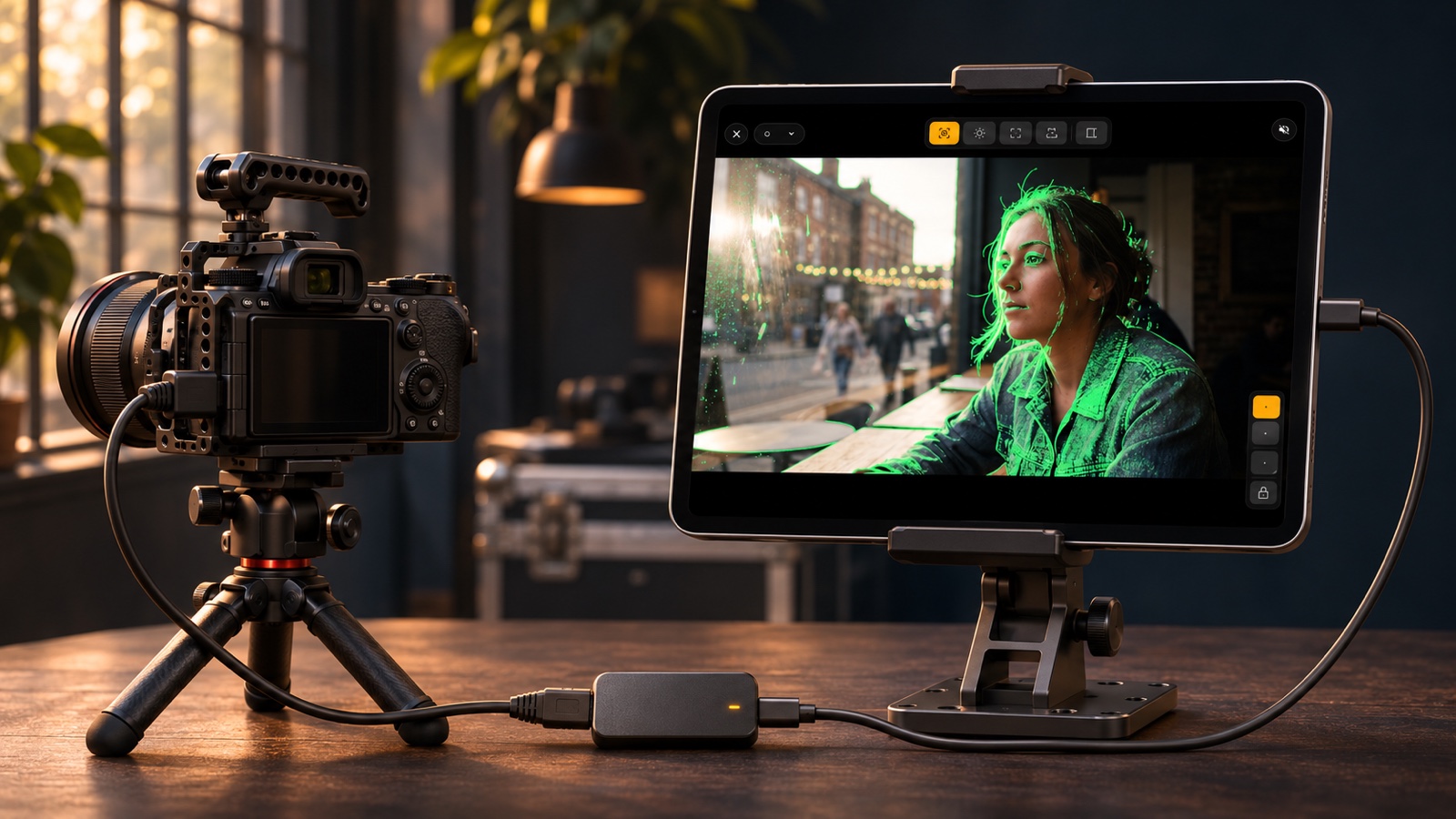
iPadOS 17 added support for external USB video devices on USB-C iPads. Field Monitor uses it to show the video your camera sends over HDMI:
- Camera. HDMI out from your mirrorless camera, cinema camera or camcorder.
- UVC capture card. A small HDMI-to-USB capture card turns that signal into USB video. These are the low-cost cards people buy for streaming, and they don’t need drivers.
- Your iPad. Any iPad with a USB-C port on iPadOS 17 or later.
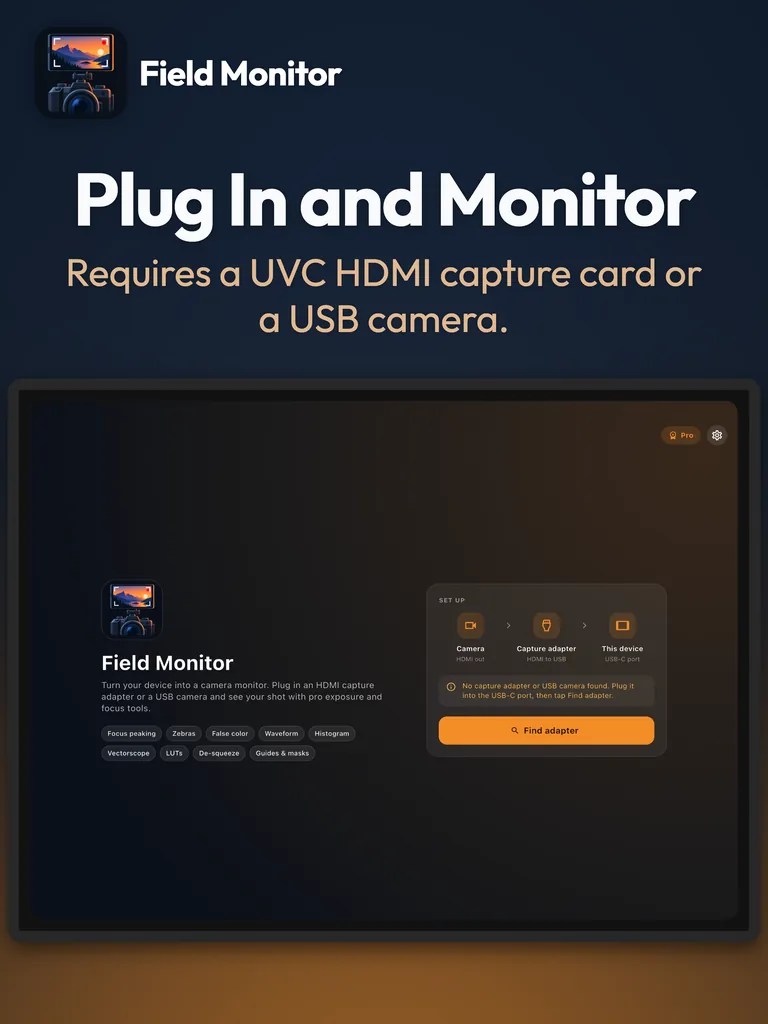
Plug everything in, tap Find adapter, and your camera’s picture is on the iPad. A USB (UVC) camera plugs straight in, no capture card needed.
The tools you’d expect on a real monitor
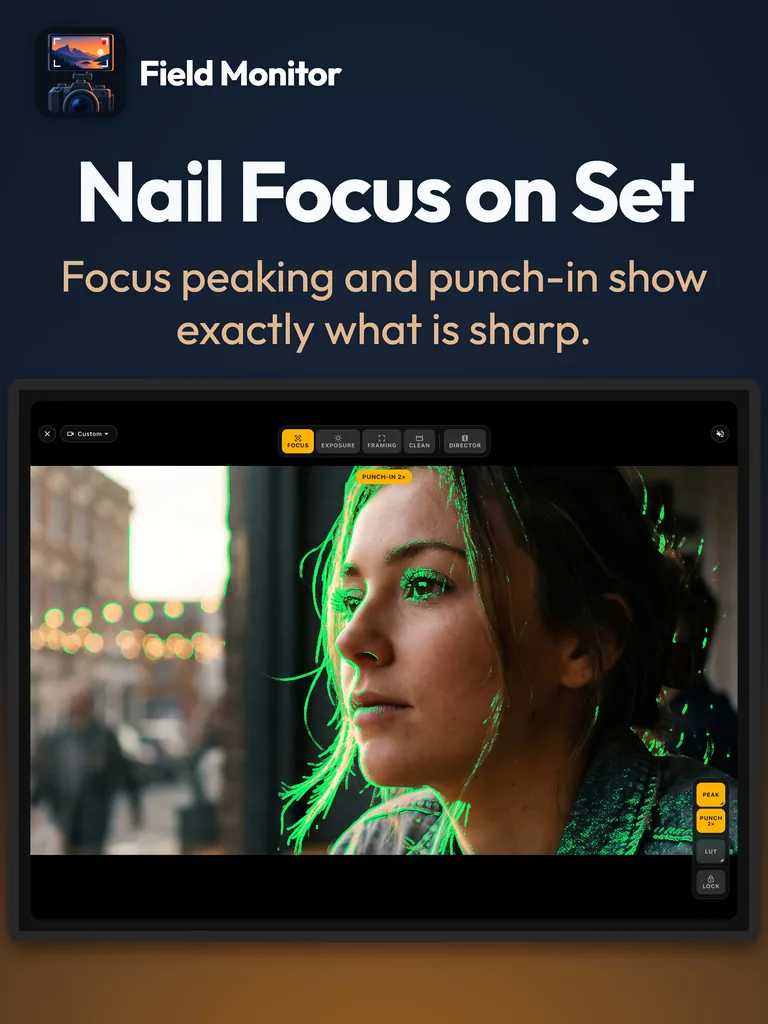
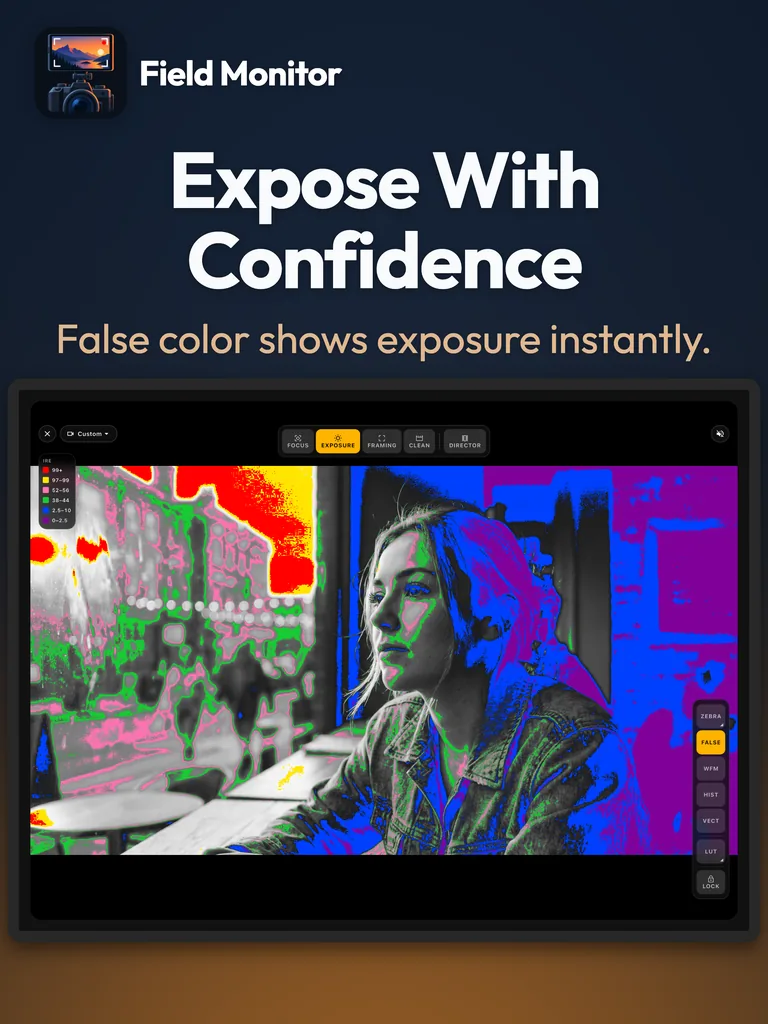
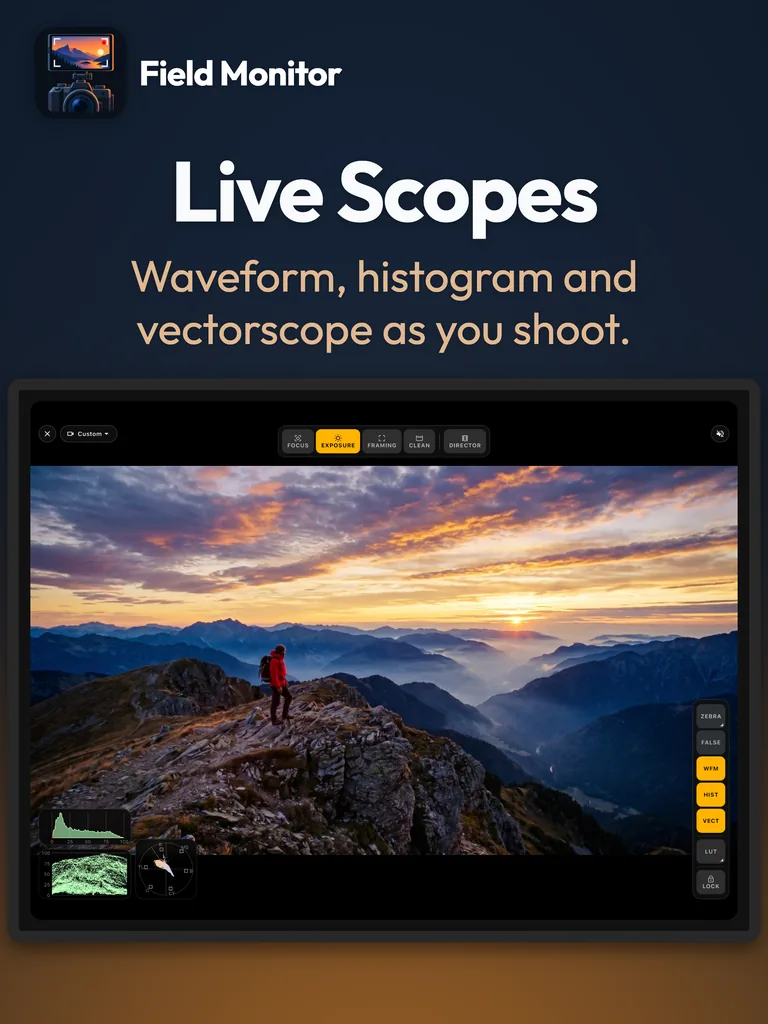
Field Monitor puts its tools in five modes, so the right ones are on screen for each part of the shoot:
- Focus: focus peaking in five colors with adjustable sensitivity, and a 2× punch-in to check eyes and fine detail.
- Exposure: zebras, false color with an on-screen legend, a tap-to-measure spot meter, and a live waveform, histogram and vectorscope.
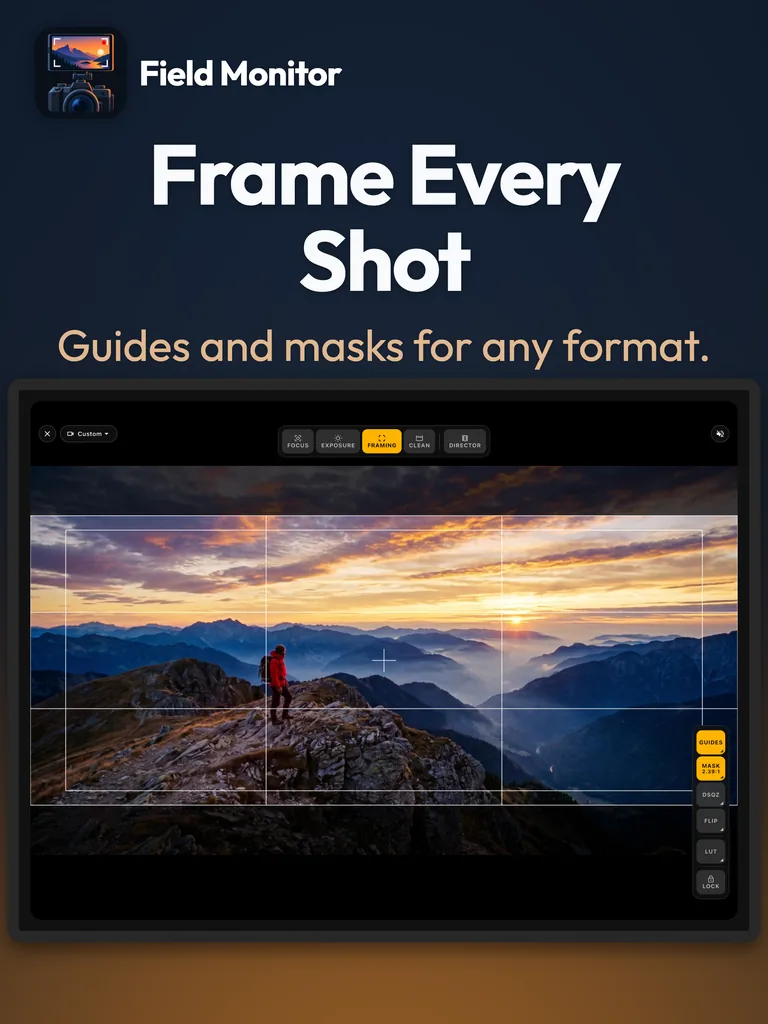
- Framing: rule-of-thirds, center-cross and safe-area guides, aspect masks from 16:9 to 2.39:1, anamorphic de-squeeze, and mirror or flip.
- Clean: just the picture, with nothing on top.
- Director View: a locked, clean picture you can hand to a director or client. Two fingers unlock it.
Shoot log, monitor in Rec.709
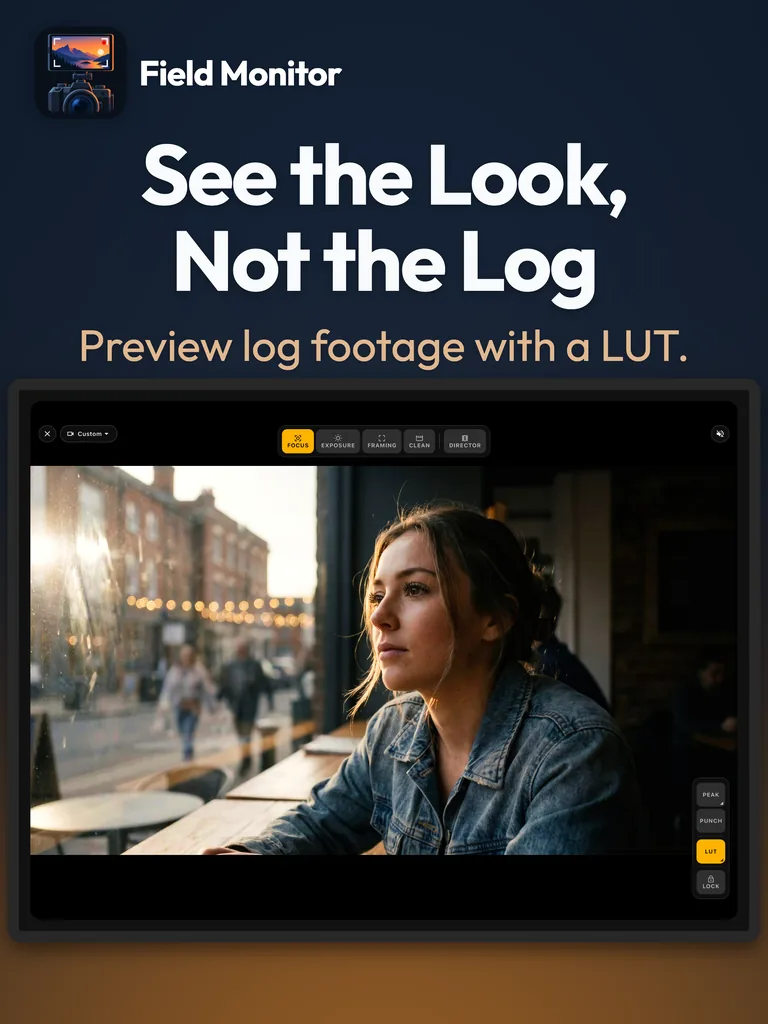
Log footage looks flat and gray on a monitor, which makes the shot hard to judge. Field Monitor has built-in log-to-Rec.709 LUTs for Sony S-Log3, Canon C-Log3, Panasonic V-Log, Fujifilm F-Log2, Nikon N-Log, DJI D-Log, ARRI LogC3 and Blackmagic Gen 5. You can also load your own .cube files.
More that helps on set
- Camera profiles: ready-made setups for log, anamorphic and vertical shooting, or save your own.
- Audio meters: listen to the camera’s audio, with a level meter for each channel.
- Remembers your setup: your tools and settings are still there the next time you open the app.
Free to start, Pro once
Field Monitor is free to use, with free monitoring time every day. The free version includes focus peaking, punch-in, zebras, the spot meter, guides and 16:9 masks.
Field Monitor Pro is a one-time purchase, not a subscription. It adds unlimited monitoring time, false color, the waveform, histogram and vectorscope, LUT preview, anamorphic de-squeeze, every aspect mask, Director View and saved camera profiles.
What you need
- A UVC HDMI capture card for cameras with HDMI out, or a USB (UVC) camera
- An iPad with a USB-C port, running iPadOS 17 or later
- A USB-C cable or adapter that carries data
The iPad’s USB-C port is not an HDMI input, so HDMI always needs a capture card. iPads with a Lightning port can’t use external USB video. Capture cards and video formats vary, and HDCP-protected video may not display.
The app also installs on iPhones with USB-C. It’s built for iPad, though, and capture card support on iPhone varies by model and adapter.
Try it on your next shoot
Field Monitor for Camera is available now on the App Store, and on Google Play for Android phones and tablets. See every tool on the Field Monitor page.
Questions, or a capture card you’d like us to try? Email us at [email protected].
Frequently asked questions
Is Field Monitor for Camera available on iPad?
Yes. Field Monitor for Camera is now on the App Store. It is also on Google Play for Android phones and tablets.
Which iPads work with Field Monitor?
iPads with a USB-C port running iPadOS 17 or later. iPadOS 17 added support for external USB (UVC) video devices. iPads with a Lightning port do not support it.
Does Field Monitor work on iPhone?
The app is built for iPad and also installs on iPhones with USB-C. Whether a capture card works on a given iPhone varies by model and adapter.
Can I plug my camera into the iPad with just an HDMI cable?
No. The iPad USB-C port is not an HDMI input. You need a UVC capture card between the camera and the iPad. USB (UVC) cameras plug in directly.
Is Field Monitor Pro a subscription?
No. Field Monitor Pro is a one-time purchase that unlocks unlimited monitoring time and every Pro tool.